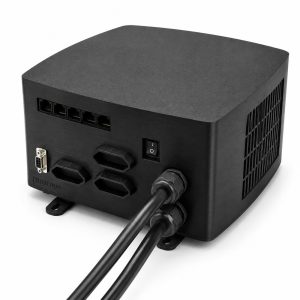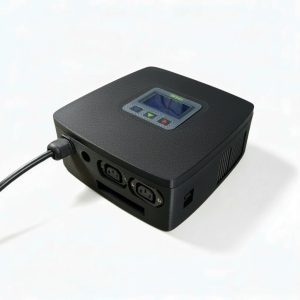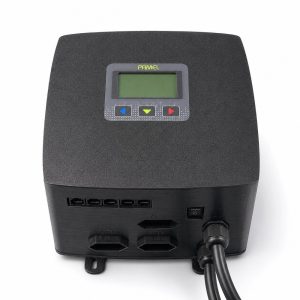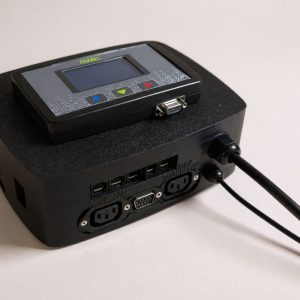
Description
4 probes right away. 4 measurement points without having to complete the sensor set after purchase.
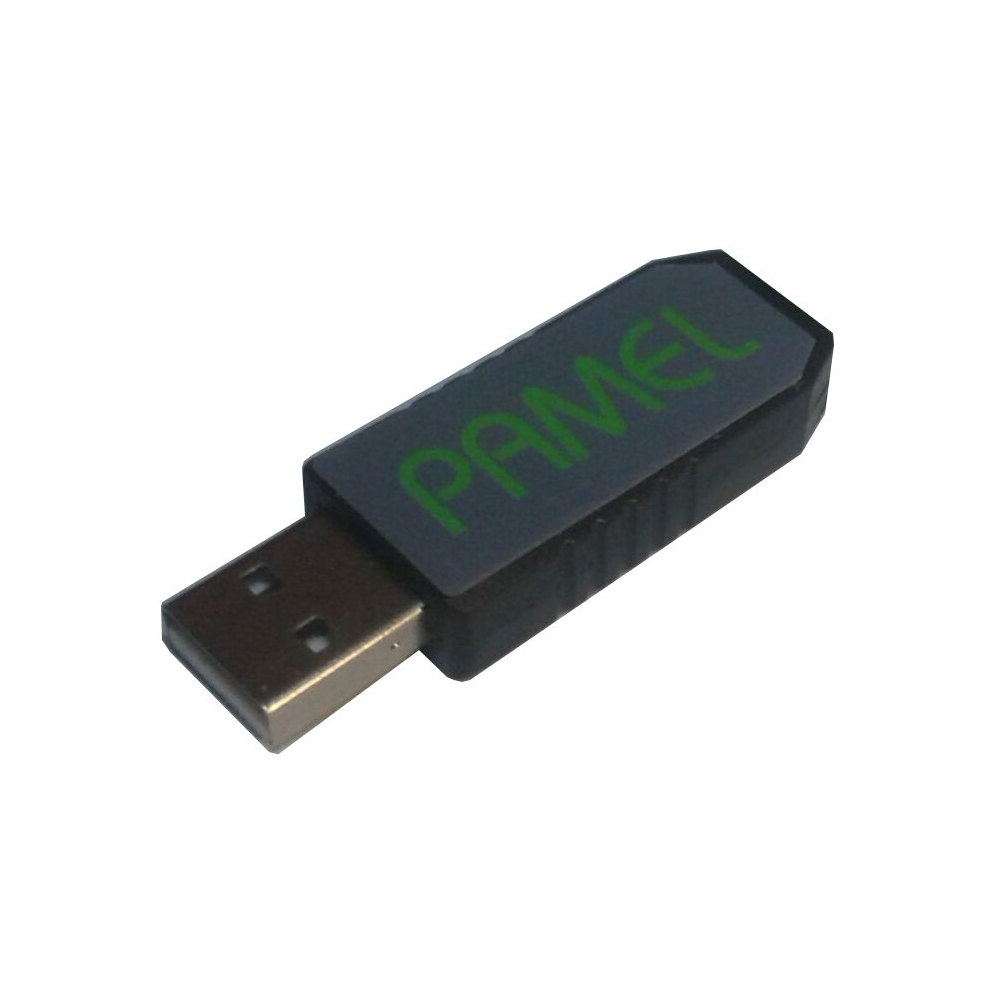
You use all 4 channels right away. You do not have to assemble the probe set separately or wonder whether the basic accessories are in the box. The included data interface also allows you to read temperatures and probe statuses on a computer.
Up to 4 measurement points without setting up several separate thermometers
TERMO does not control the process. Its purpose is to clearly display temperatures and draw attention to the channel that falls outside the set range.
Automatic measurement
Temperatures are read continuously. Once a probe is detected correctly, its reading appears automatically.
View adapted to the number of probes
The device can display a 1 / 2 / 4 temperature layout depending on the number of channels in use.
Each probe separately
You do not have to average the measurements. Each point remains an independent channel.
Probe status
The device distinguishes between a correct reading and a sensor error instead of pretending that a missing measurement is a normal temperature.
You do not have to keep looking at the screen
You can set your own lower and upper threshold for each probe. An audible alarm and an on-screen message indicate the channel requiring attention.
Low alarm
Useful when the temperature must not fall below the set level.
High alarm
Warns when the permitted temperature is exceeded at a specific point.
ERR
A measurement error is treated as a separate sensor status.
Independent settings
Each channel can have different limits — the chamber, product, tank or duct do not have to operate within the same range.
Correct a specific channel, not the entire thermometer
The current manual allows you to set the A coefficient and B offset separately for each probe.
A — slope
Range 0,50–2,00, increment 0,01; default value 1,25.
B — offset
Range -10,00…+10,00°C, increment 0,02°C; default 0,00°C.
Do not calibrate for differences between locations
A probe near the heating element and a probe near the wall may correctly show different temperatures.
Use a reference first
It is worth performing the correction only after comparing with a reliable reference point.
The USB cable may be used only for power — this does not mean that the device has a data interface
This is important when choosing the classic TERMO version.
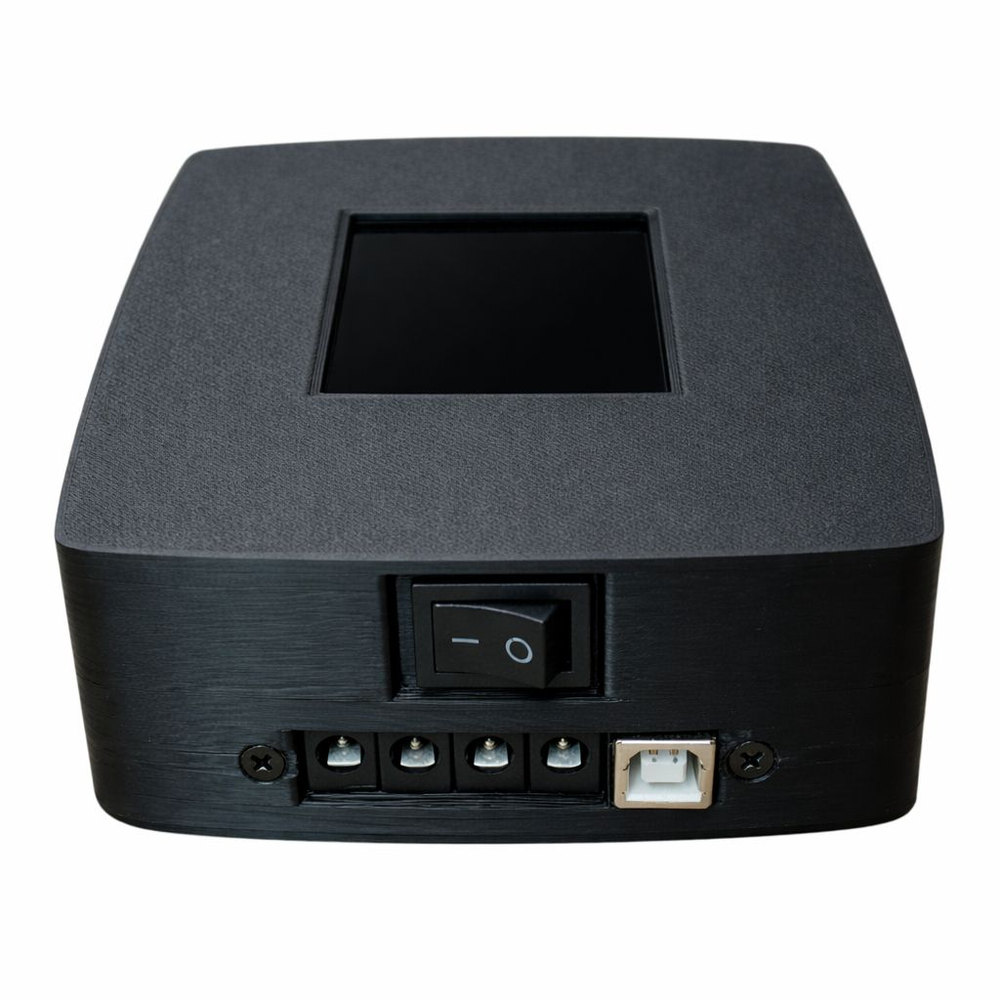
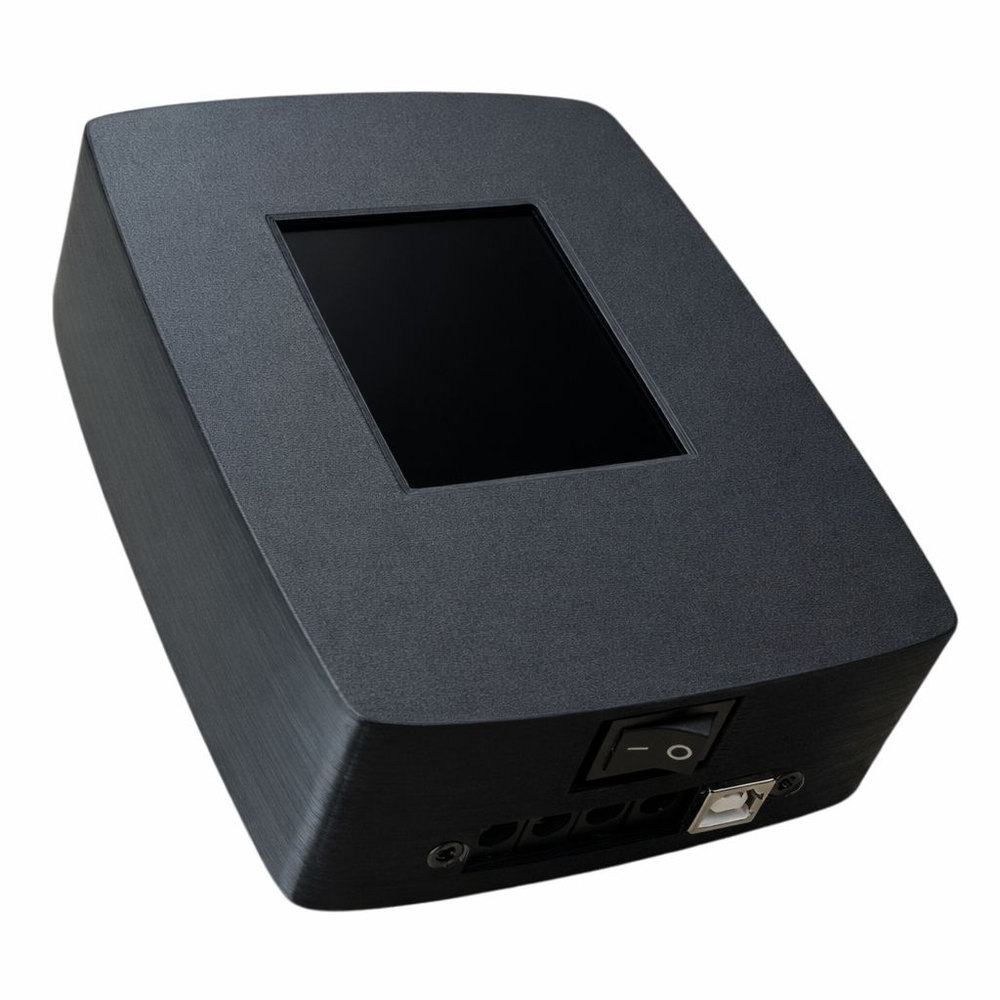
USB-B in the standard version
The socket is used to power the device with 5 V.
The data interface is a separate option
Only proper implementation allows the computer to read temperatures and probe statuses.
Reading, not configuration
The connection to the computer is used for reading. You still change alarm thresholds and calibration locally on the device.
The lack of an interface is not a fault
If you buy the version without a data interface, the thermometer still measures, triggers alarms and operates independently as normal.
When one temperature does not describe the entire process
TERMO is useful wherever comparing several locations at the same time is important.
Smoking chamber
The chamber, product and additional points let you see whether the temperature is distributed evenly.
Distillation
Several installation points on one screen without setting up multiple separate meters.
Heating processes
You can compare the supply, return, tank, ambient temperature or other installation points.
Testing and servicing
Simultaneously measuring several elements makes it easier to notice differences and changes while the device is operating.
A USB cable and a USB interface are two different things
The computer can read temperatures — but it does not take over the thermometer settings
The current manual separates local measurement from communication. The data interface allows you to read temperatures, probe presence and probe status.
You still change alarm thresholds, calibration and the remaining settings locally using the device buttons.
TERMO4G with a complete set of 4 probes
| Channels | 4. |
|---|---|
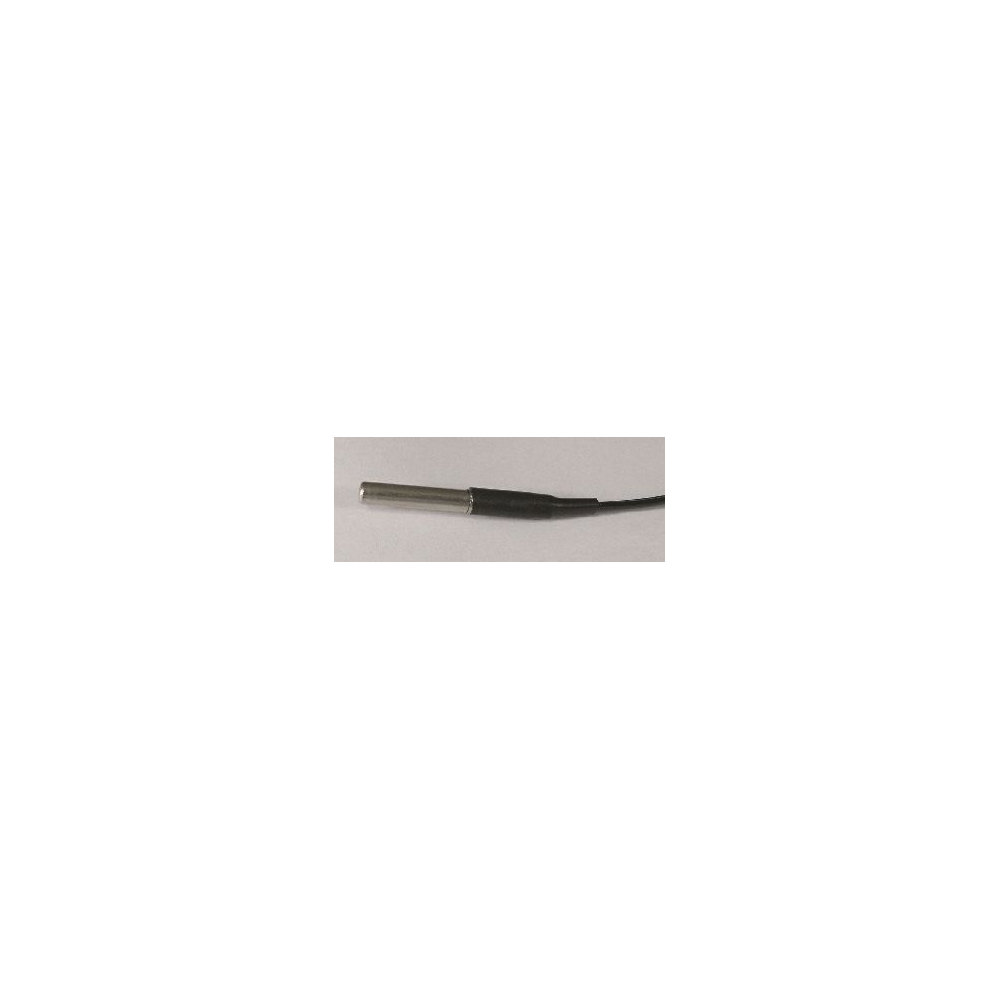
| Probes included in the set | 4 × STANDARD, 2 m cable, 50 mm sensing section. |
| Probe connectors | RJ45. |
| Power supply | 5 V; power supply and USB cable included. |
| Alarms | lower and upper separately for each channel; ERR status when a probe error occurs. |
| Calibration | A and B separately for each probe. |
| Data interface | PAMEL USB included; reading temperatures and probe statuses. |
| Operation without a computer | yes — measurements and alarms work locally. |
TERMO4G — manual, FAQ and PAMEL materials
Current materials concerning the device are collected in the PAMEL Product Centre.
OPEN PRODUCT CENTRE ↗