Description
Distillation from your computer: temperatures, power and an automatic profile
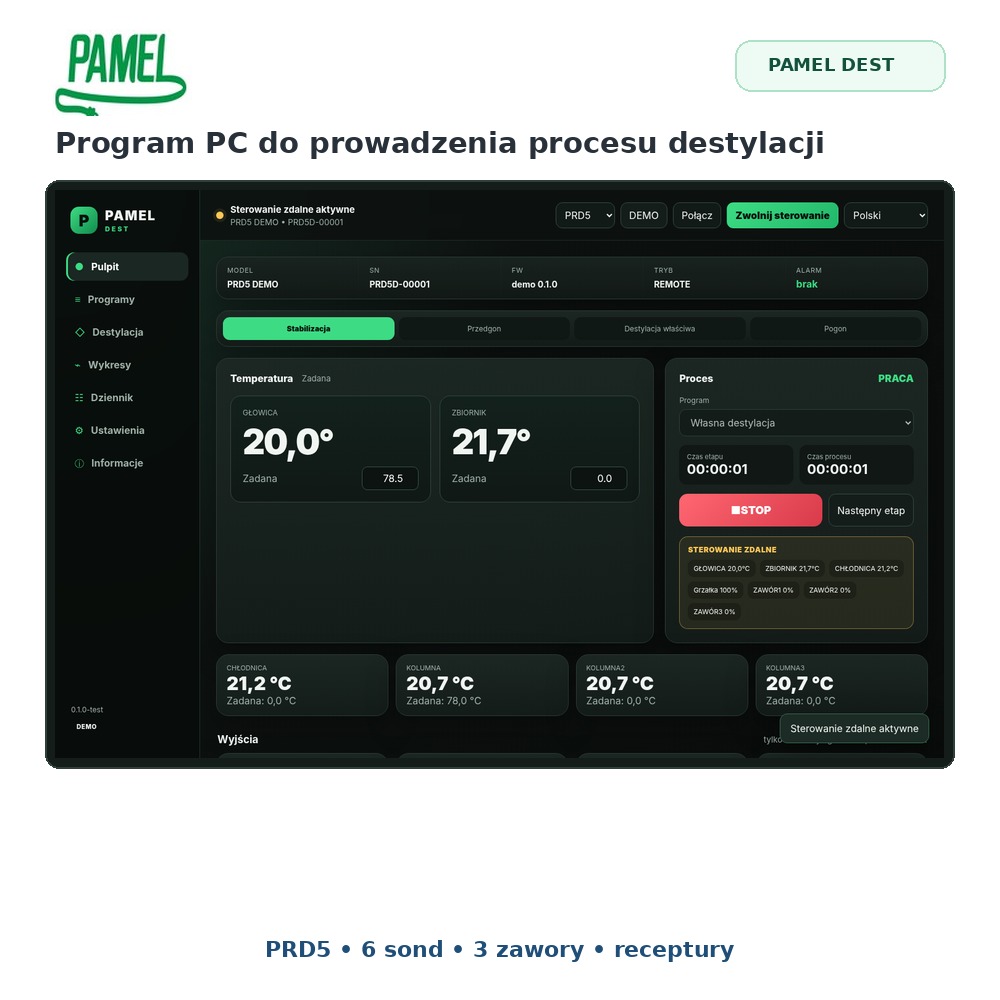
PAMEL DEST works with a compatible PAMEL controller fitted with USB/COM. The program shows up to 5 temperatures, current power and controller status and lets you change operating setpoints from the computer. You can run the process manually or prepare a profile in which power changes automatically at successive temperature thresholds.

IMPORTANT – USB/COM interface required
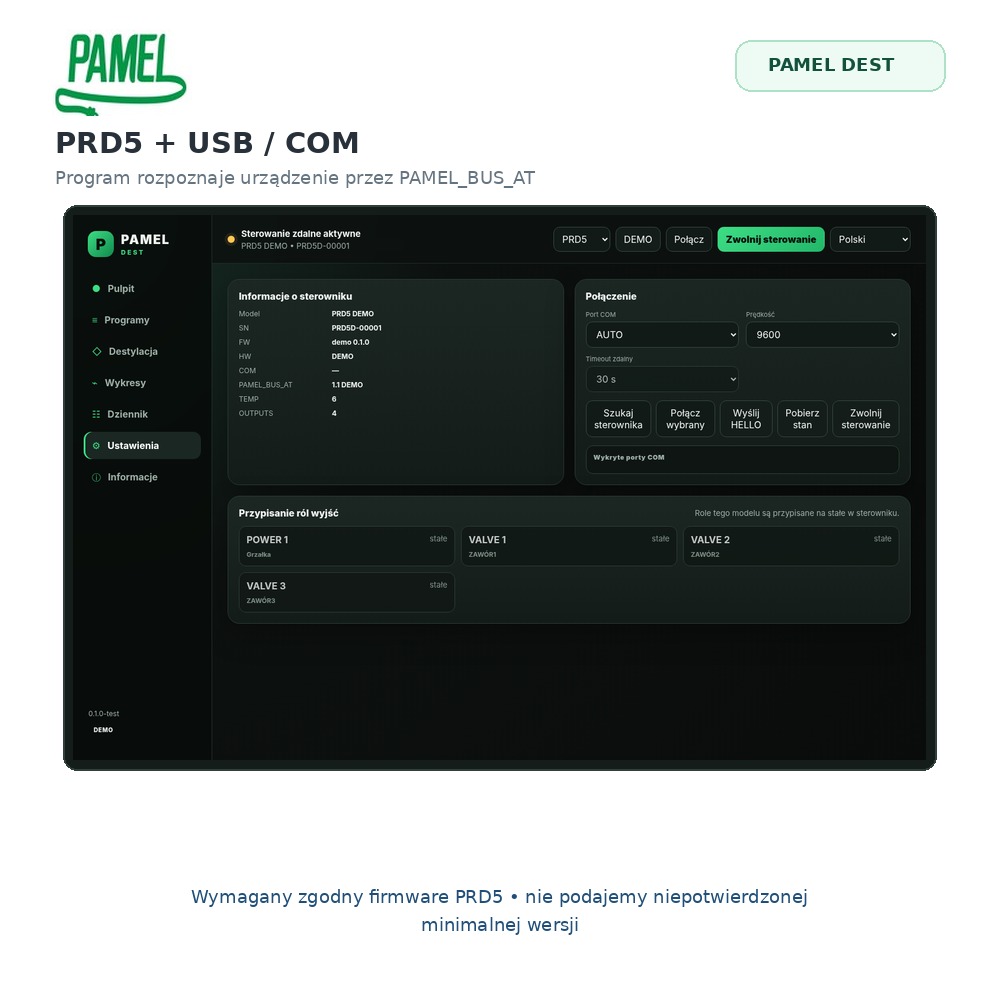
The compatible PAMEL controller must be ordered with the optional USB/COM interface or equipped with it. Without this hardware PAMEL DEST cannot exchange data and commands with the controller.
A control program, not just a temperature viewer
DEST communicates in both directions. It reads temperatures and controller status and sends operating commands. The controller remains the executive device, while the PC becomes a convenient operator panel for the distillation process.
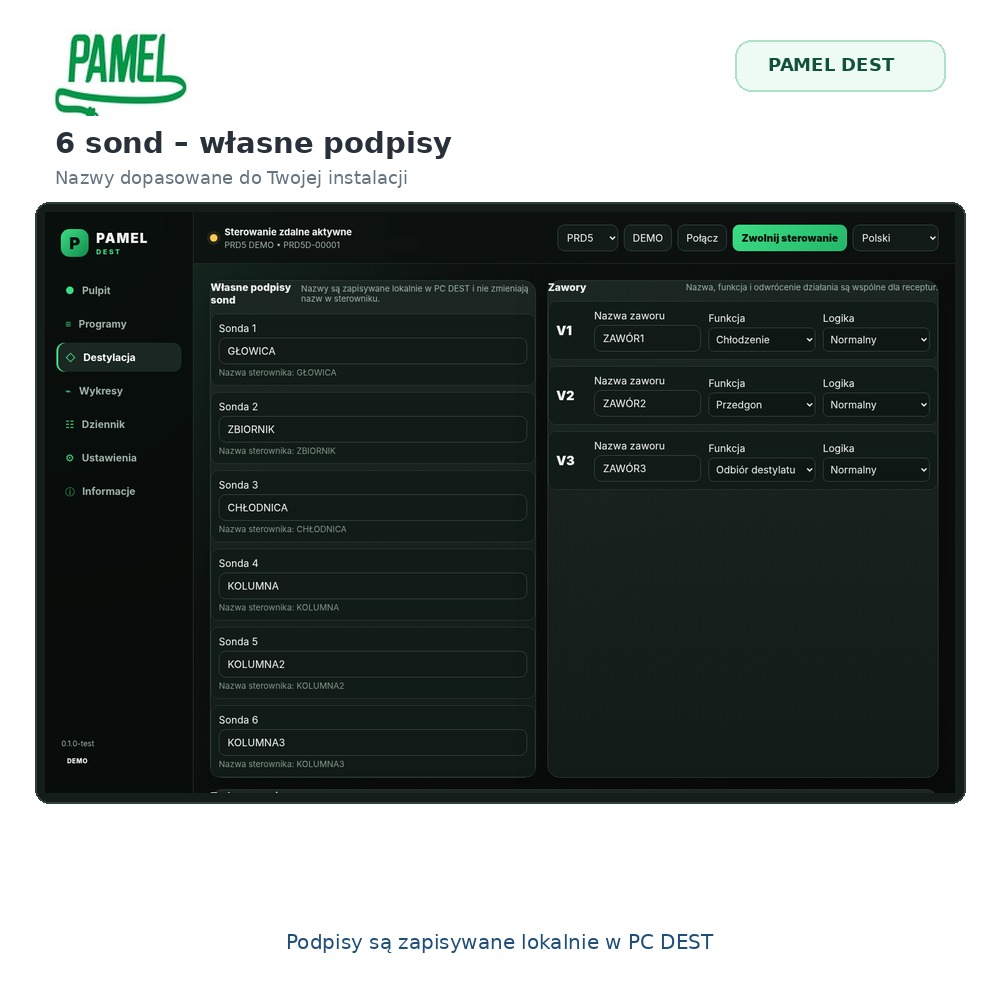
Up to 5 temperature channels
Depending on the controller, you can view up to five probes at once and observe several process points on one screen.
Power control
The program shows current heater power and lets you change power from the computer in the operating mode supported by the connected controller.
Process recording
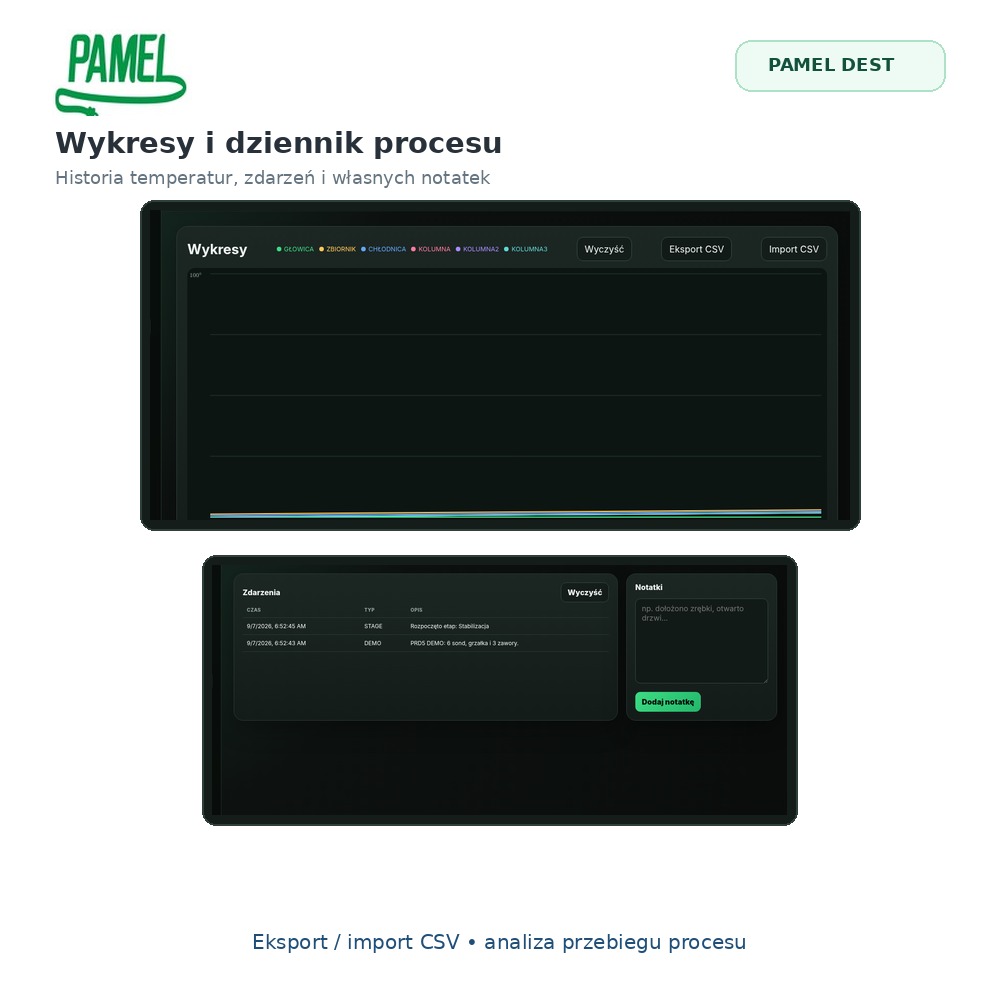
Measurements and relevant process information can be recorded so you can return to the course of the run later.
Automatic power profile based on temperature
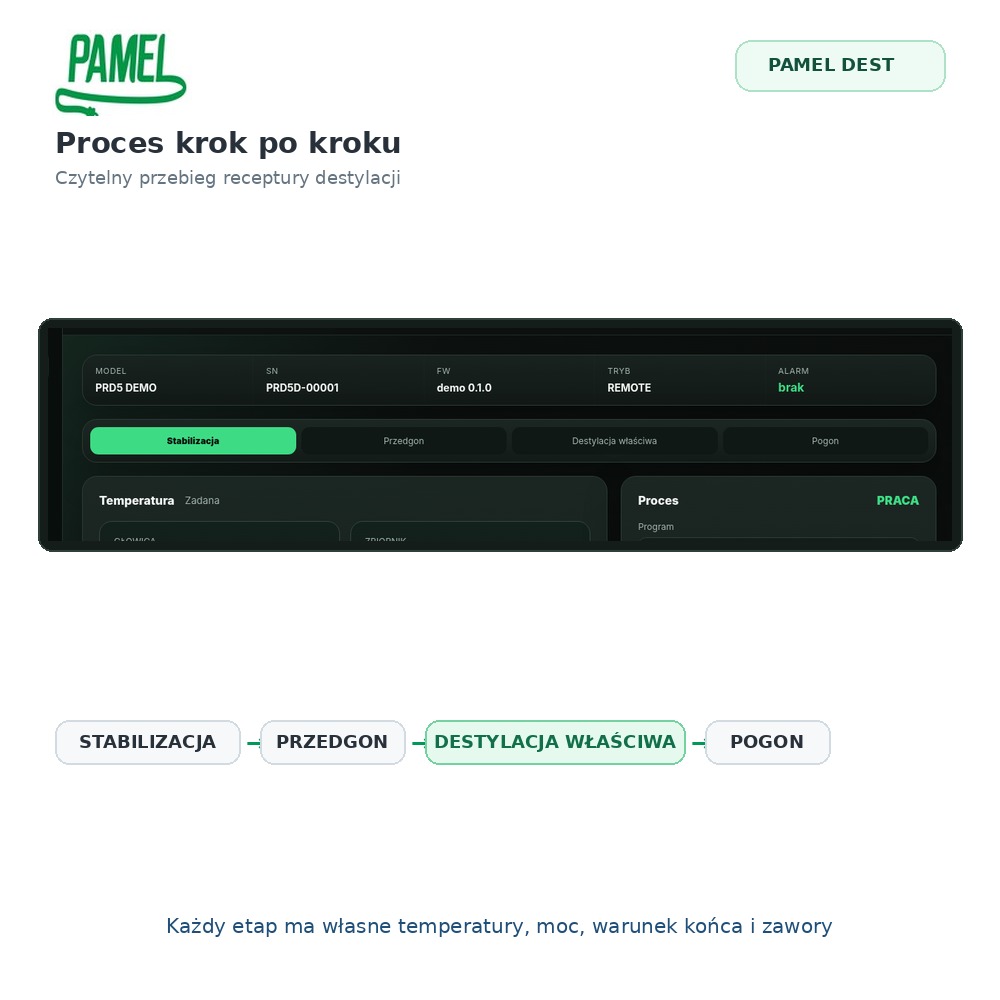
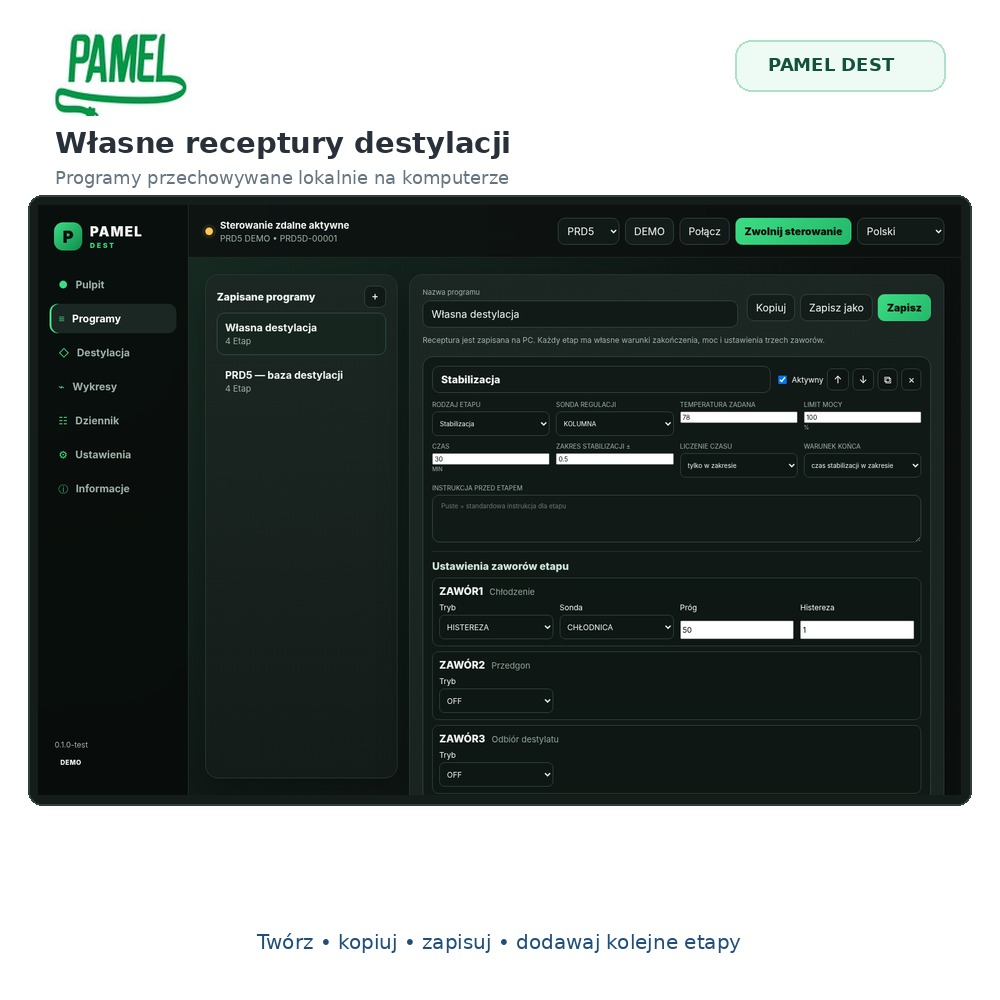
Instead of reducing power manually at each point of the process, you can prepare a profile. For successive temperature thresholds you define the power that should be applied, and PAMEL DEST changes the setpoint automatically as the process progresses.
- define successive temperature thresholds
- assign a power value to each threshold
- save profiles for repeated use
- edit the profile before the next run
- observe the active stage and current measurements
Live charts and process history
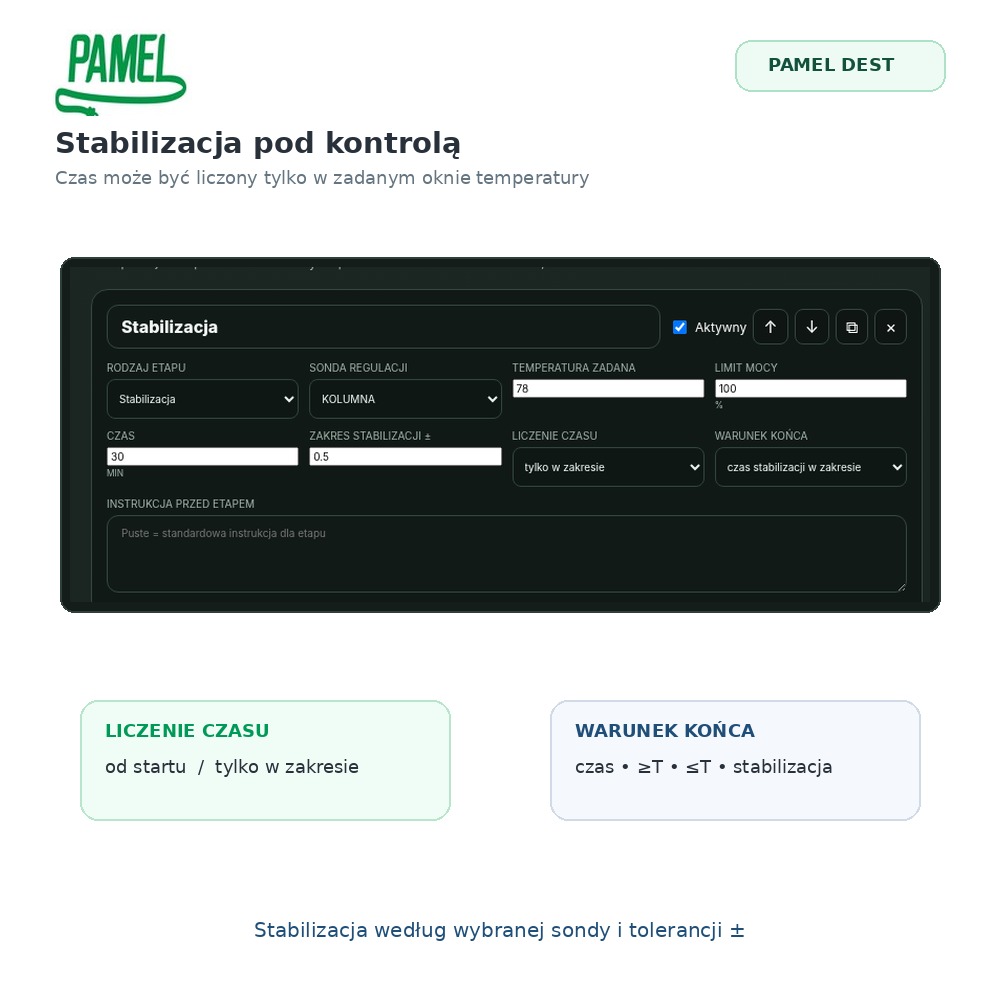
Temperature trends are easier to interpret on a large computer screen. The chart helps you see heating, stabilisation and changes between successive process stages. Recorded data can be exported to CSV for further analysis.

Local and predictable operation
Communication takes place directly between the Windows computer and the controller through USB/COM. Normal operation does not require Internet access or a cloud service. This is useful where a stable direct connection is more important than remote online access.
Why use a computer during distillation?
- several temperatures visible at the same time
- power and process state on one screen
- automatic repeatable power profiles
- easier comparison of subsequent runs
- CSV data for your own analysis
Compatible PAMEL controllers
PAMEL DEST is intended for compatible PAMEL controllers equipped with the USB/COM option.
- PRM with USB
- PRD3 / PRD4 with USB
- PRW with USB
PRD2WIFI and TERMO devices use their own communication solutions and are not the target devices for PAMEL DEST.
Key information
| System | Windows |
|---|---|
| Purpose | Monitoring and control of the distillation process |
| Communication | USB / COM – optional controller interface required |
| Temperature channels | 1–5, depending on controller |
| Power | display and control according to connected controller |
| Automatic mode | temperature-dependent power profile |
| Charts | live temperature trends |
| Data | CSV recording/export |
| Operation | local/offline – Internet not required |
Repeatability without constant manual corrections
The greatest advantage of PAMEL DEST appears in processes that follow a known pattern. Once you have prepared a profile, the program can change power at defined temperature points instead of requiring constant manual corrections. This does not replace the operator’s supervision, but it reduces repetitive actions and makes it easier to run successive processes in a similar way.
USB is the key to computer control
The controller can work on its own without PAMEL DEST, but communication with the PC program requires the optional USB/COM interface. If you intend to use PAMEL DEST, choose the USB option when ordering the controller.
PAMEL DEST – temperatures, power and distillation profile in one window
Use the PAMEL controller as the executive device and the Windows computer as a clear operator panel for the process.