Description
A NEW GENERATION OF DISTILLATION CONTROL
Touch. Set. Control your process.
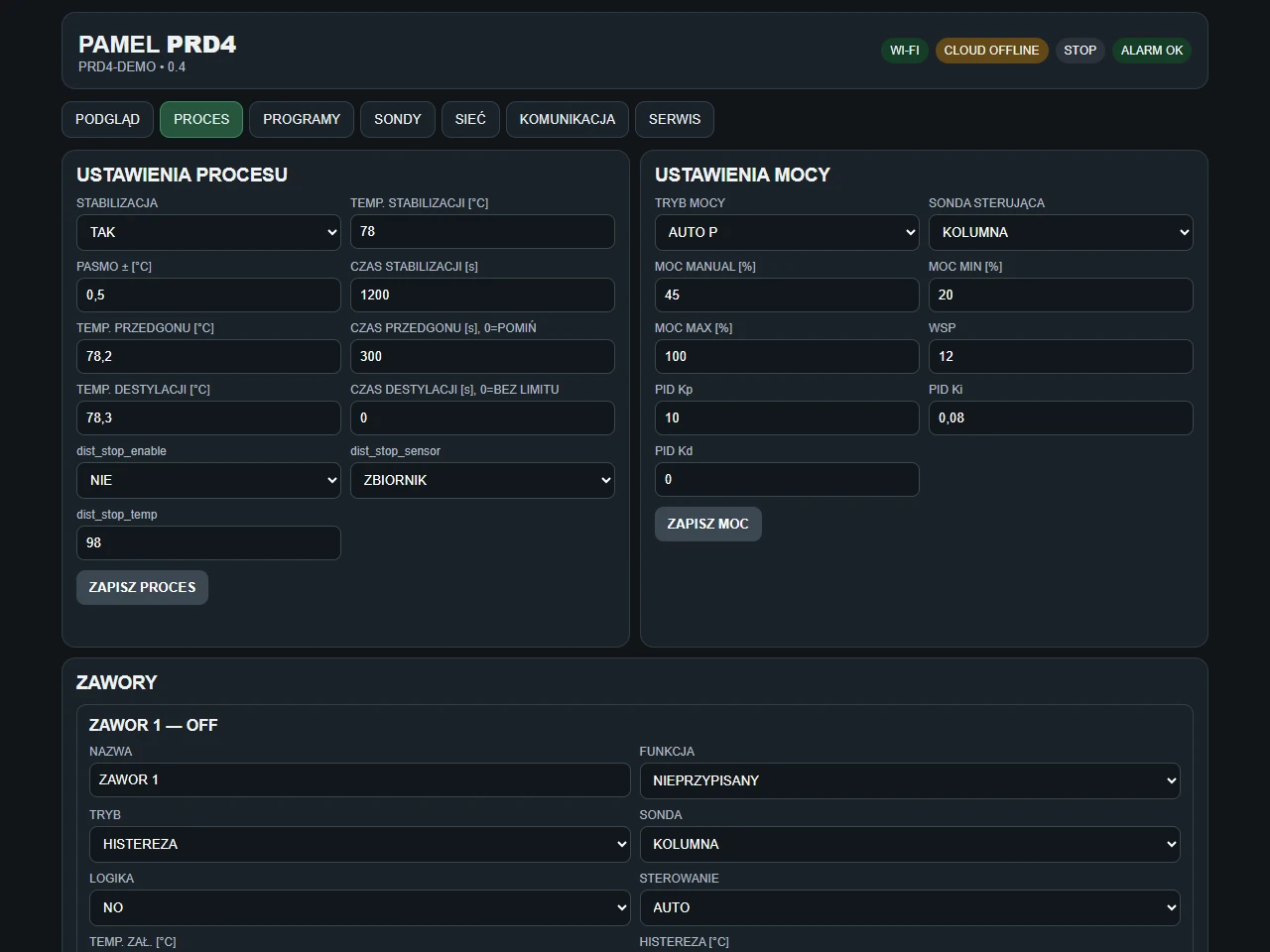
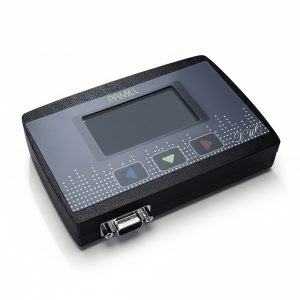
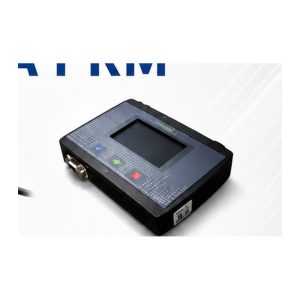
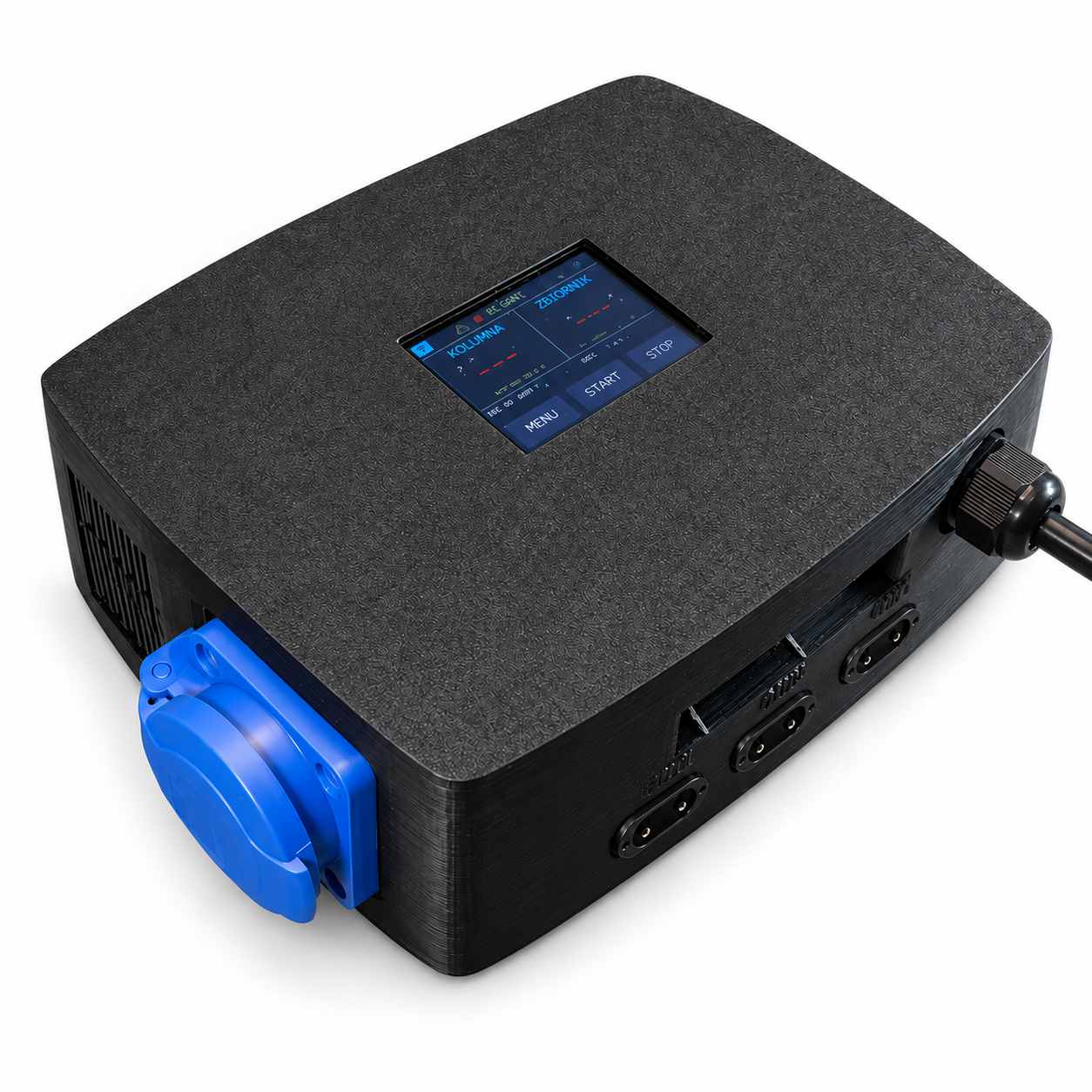
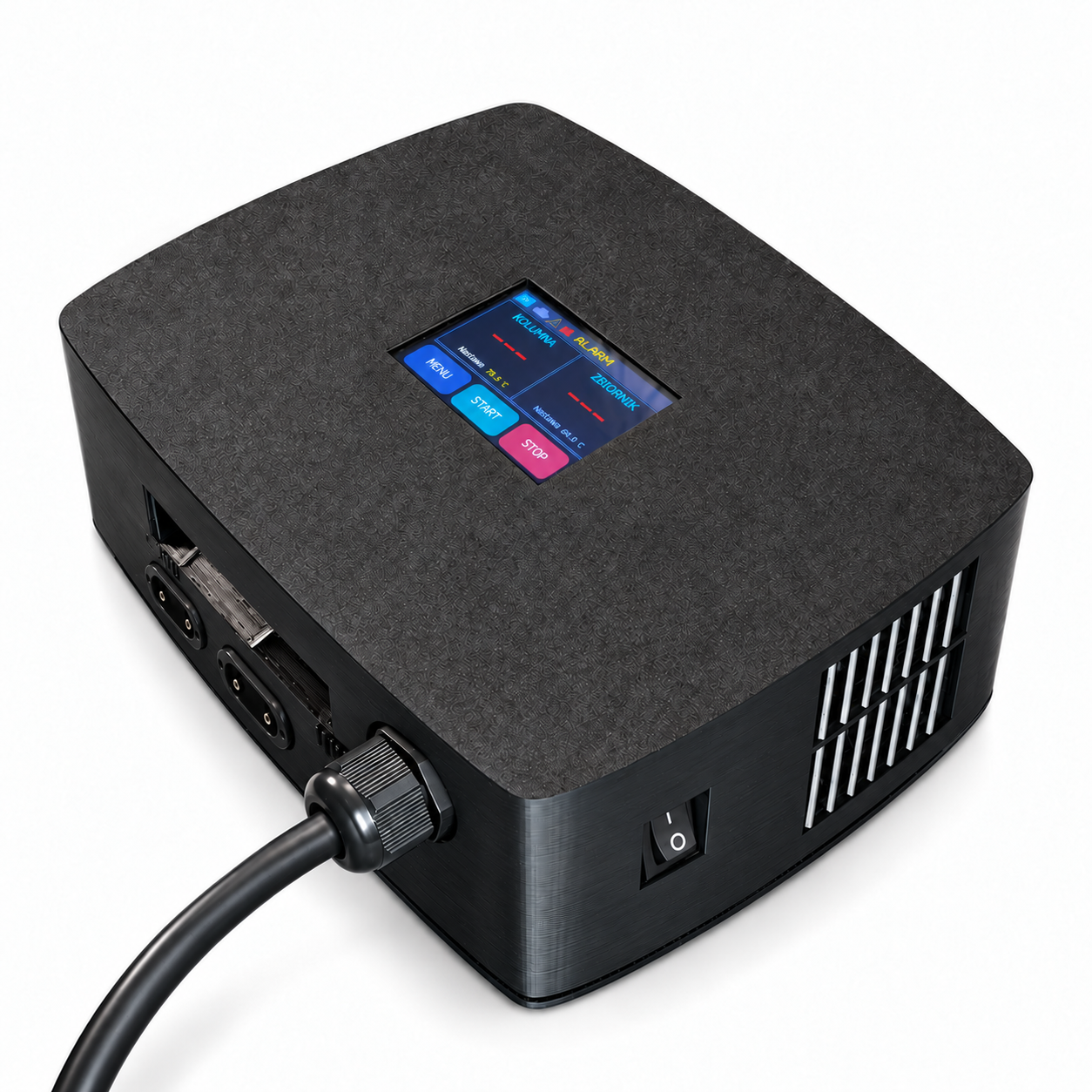
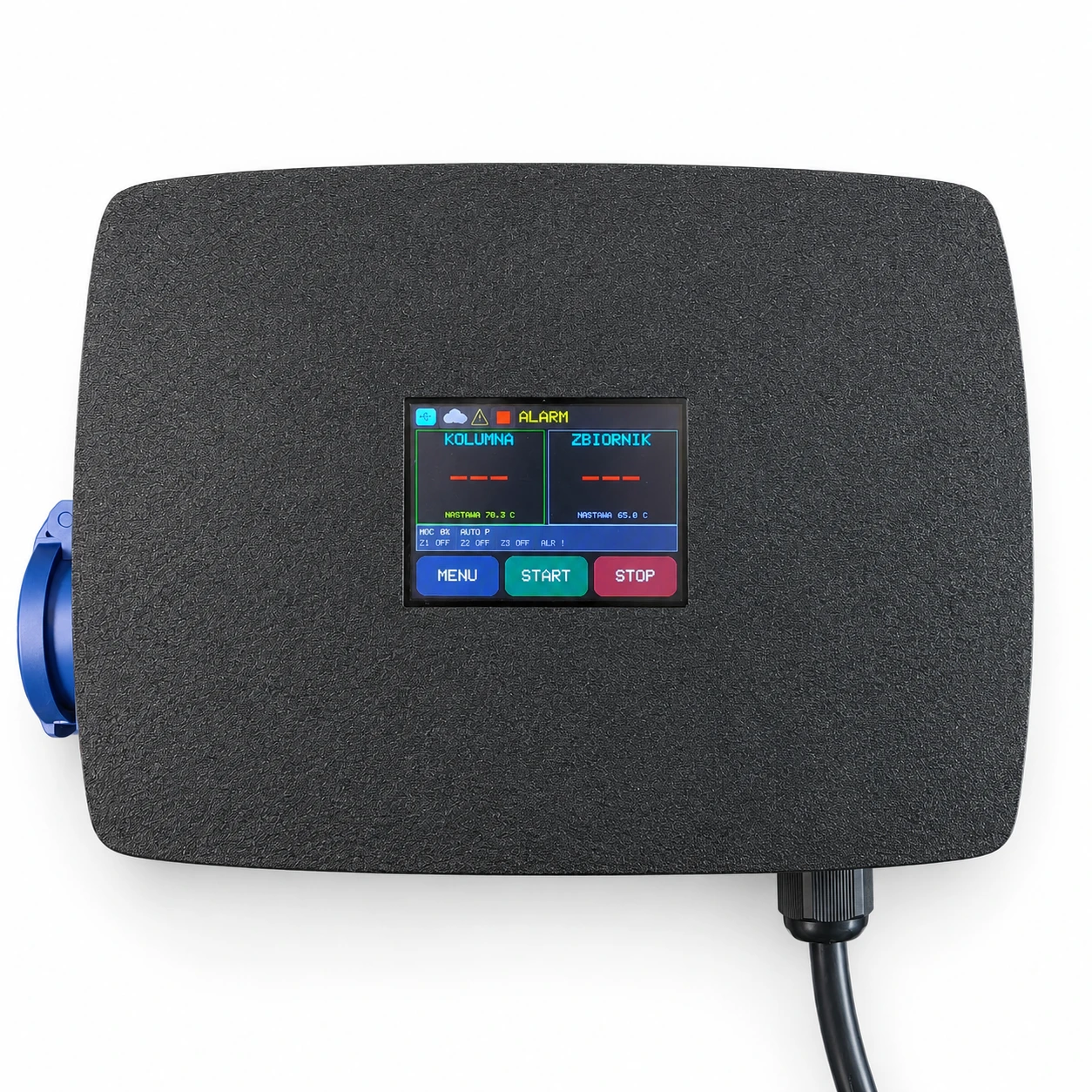
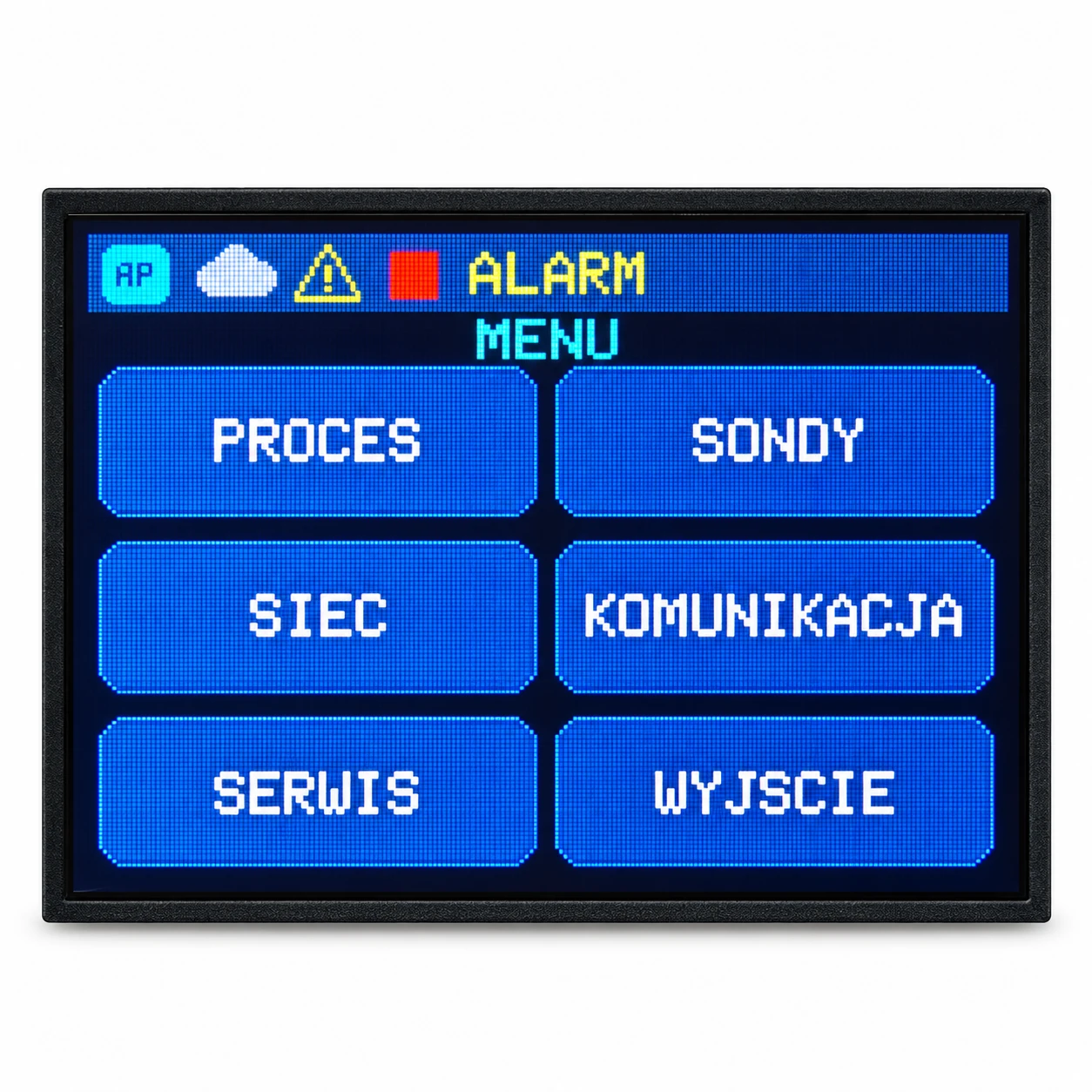
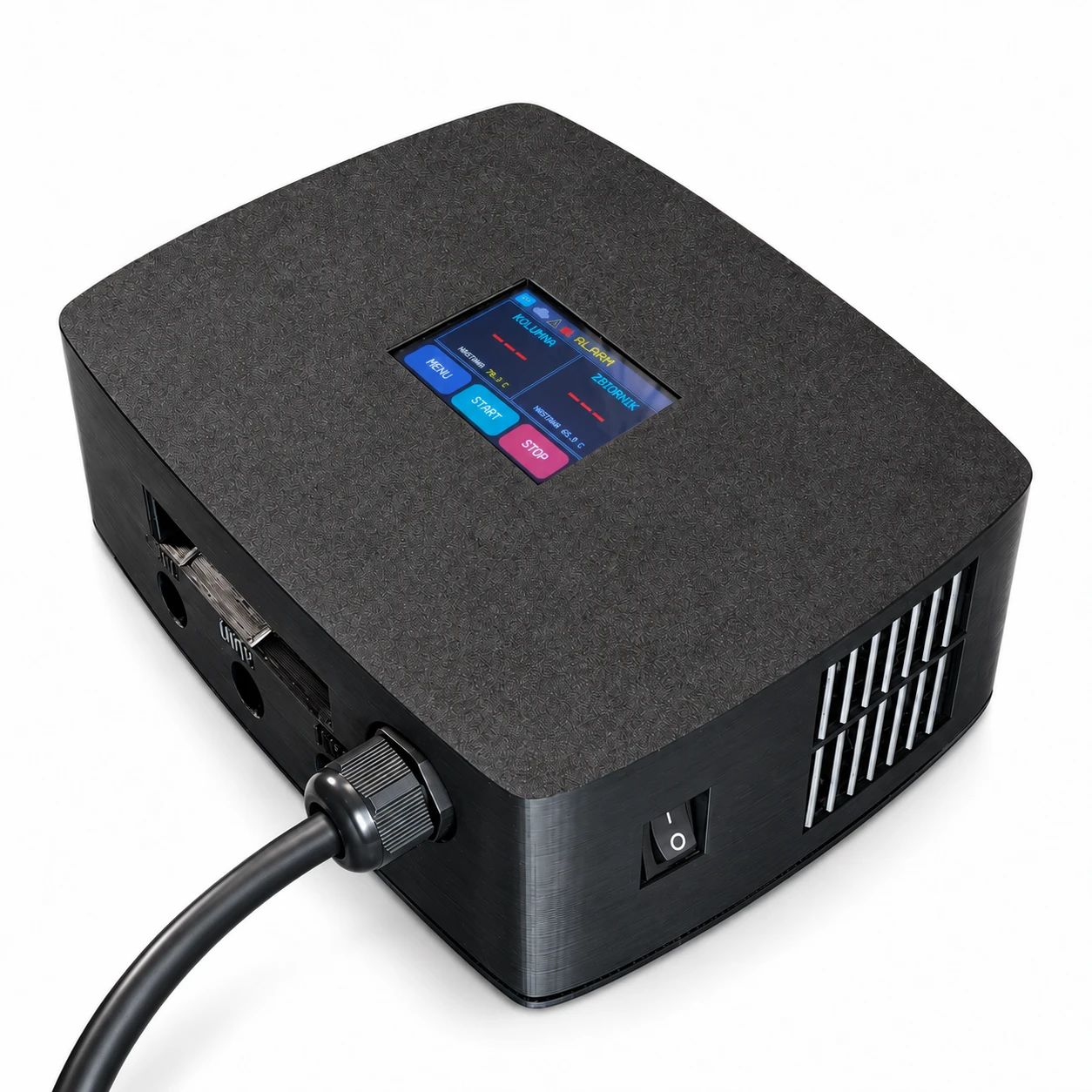
PRD4 combines a responsive 2.8″ colour touchscreen with heater control up to 5.5 kW, three valve outputs and up to four probes. The planned successor to PRD3, with convenient operation on the controller, phone and computer.
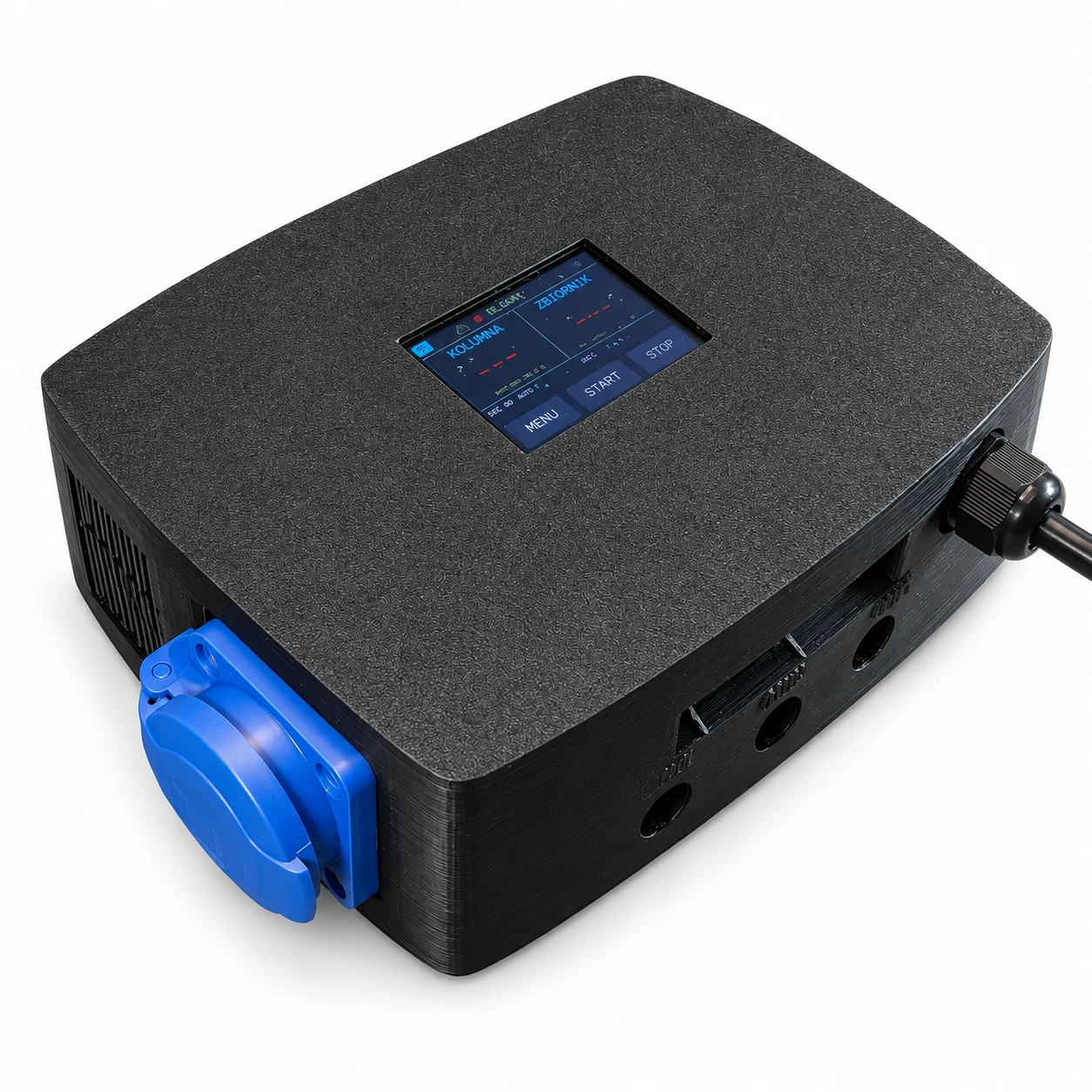
Responsive touch control
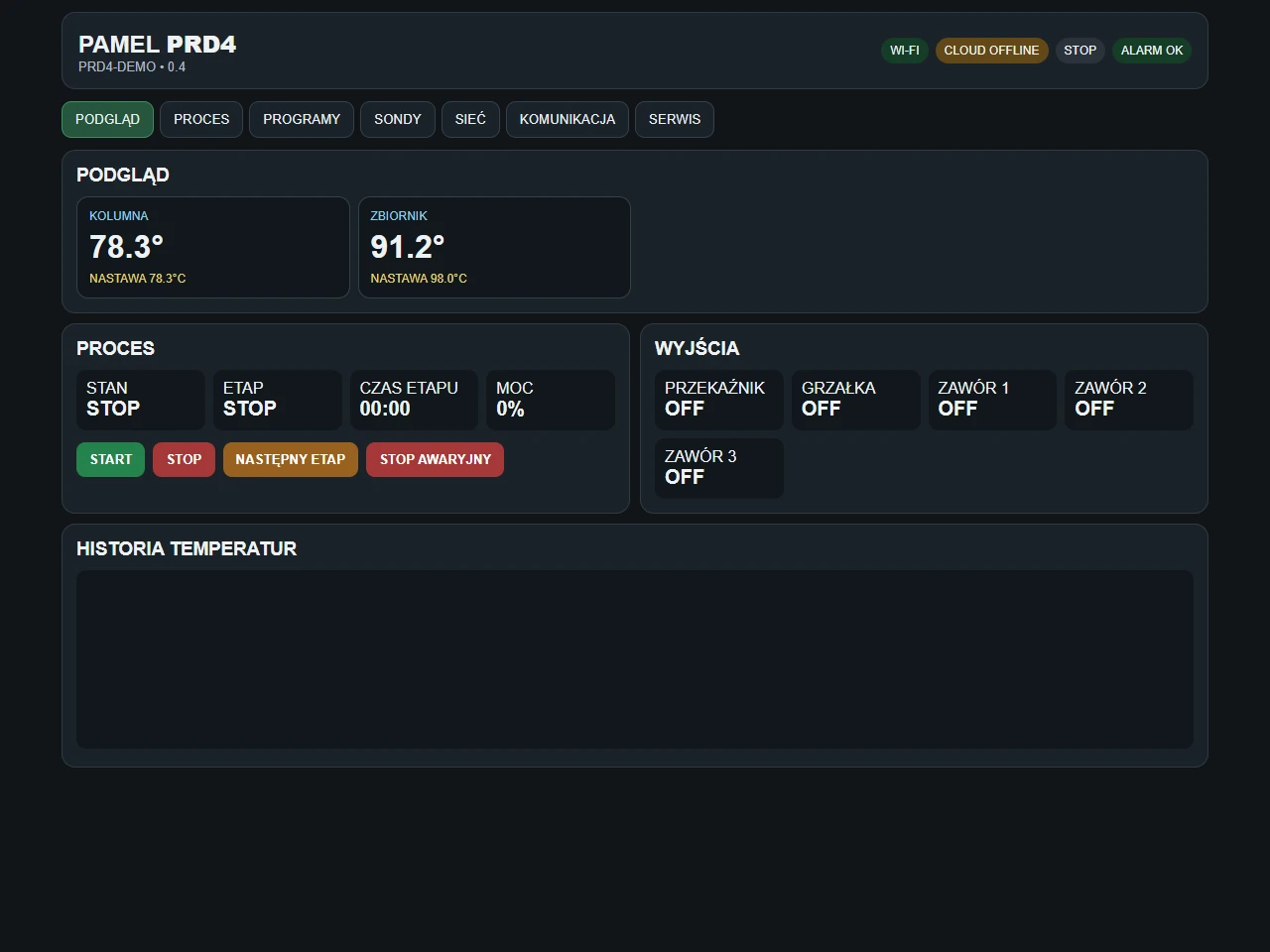
Large tiles, clear temperatures and direct access to settings. Adjust parameters and check power and valve states on the built-in screen, without an additional panel.
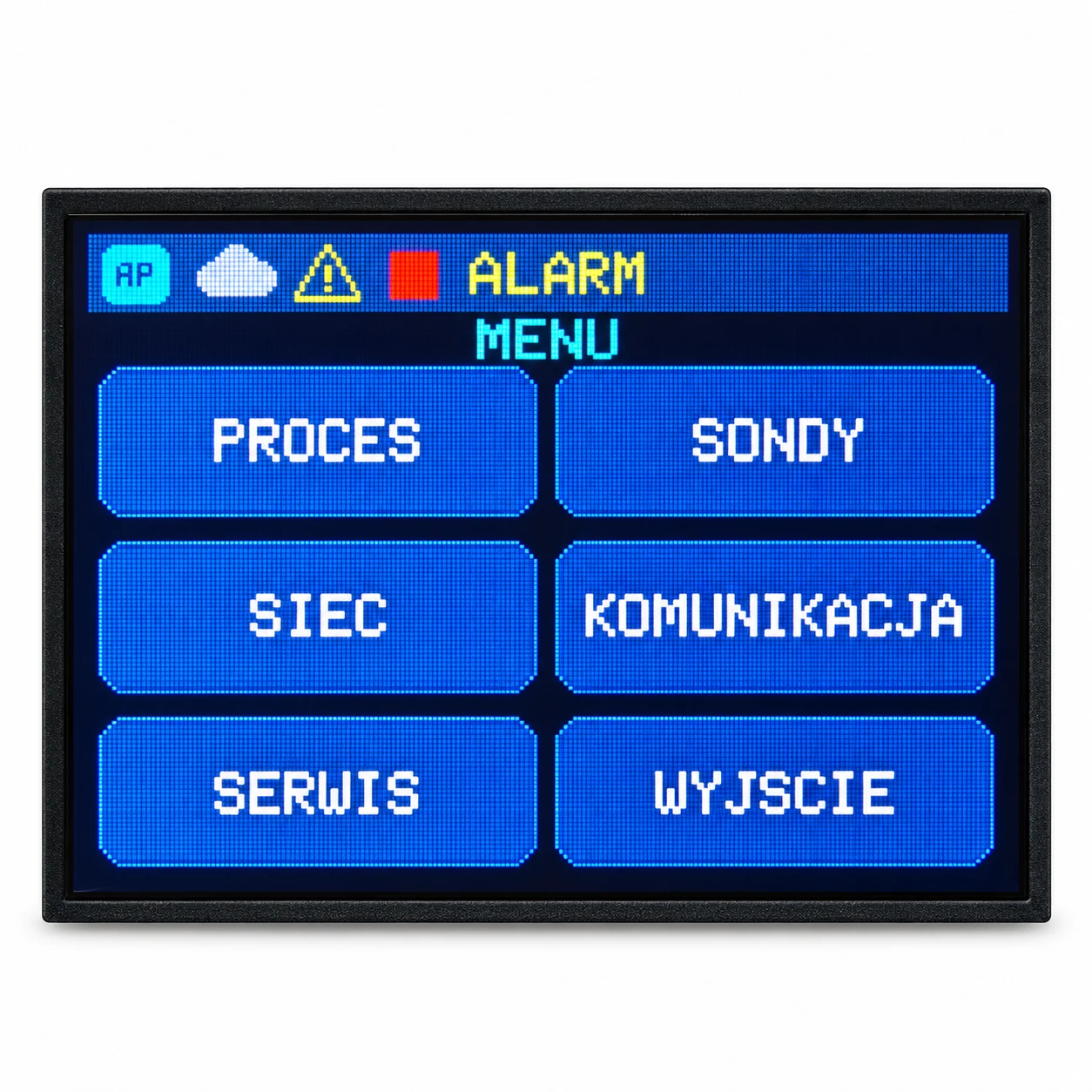
Power and three valves under control
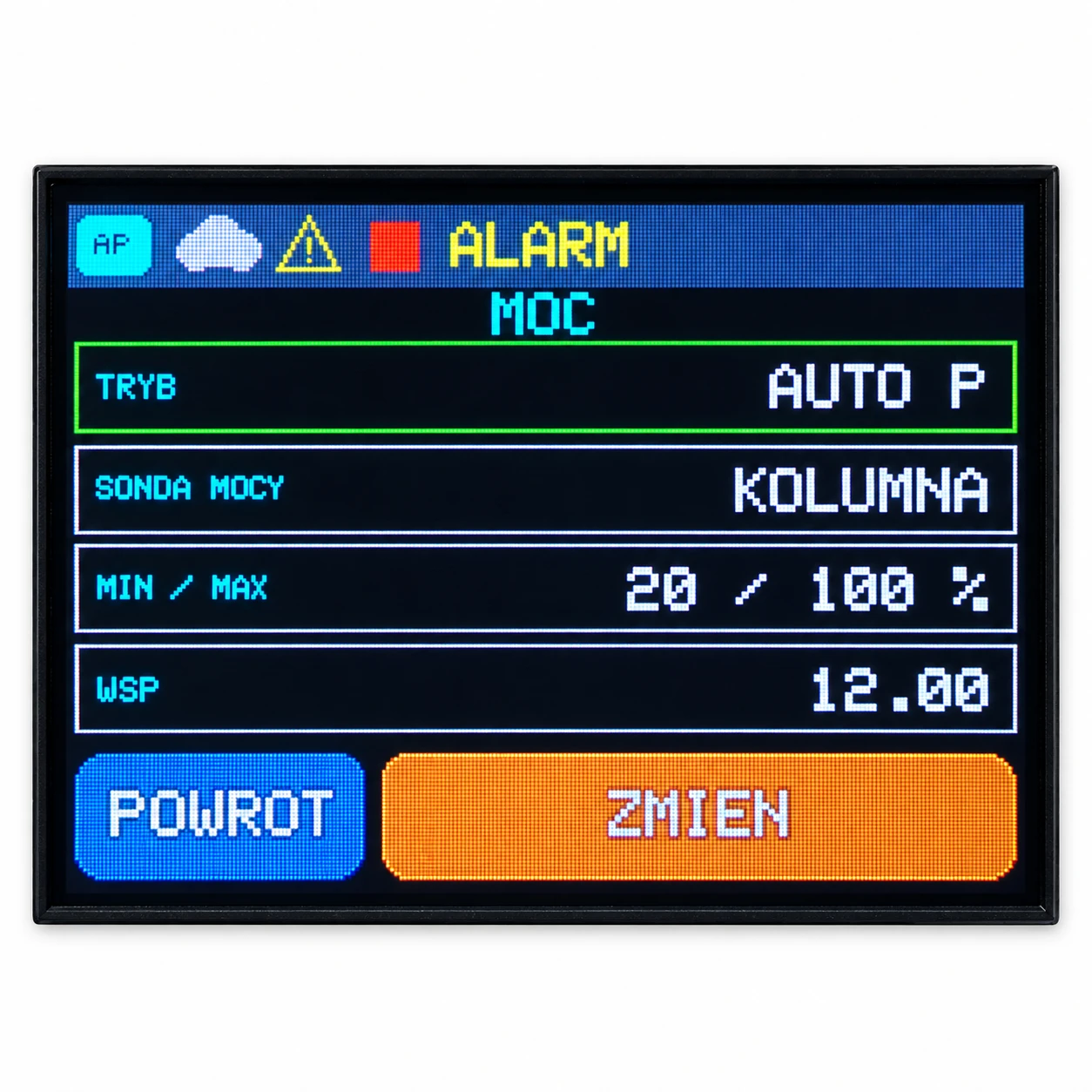
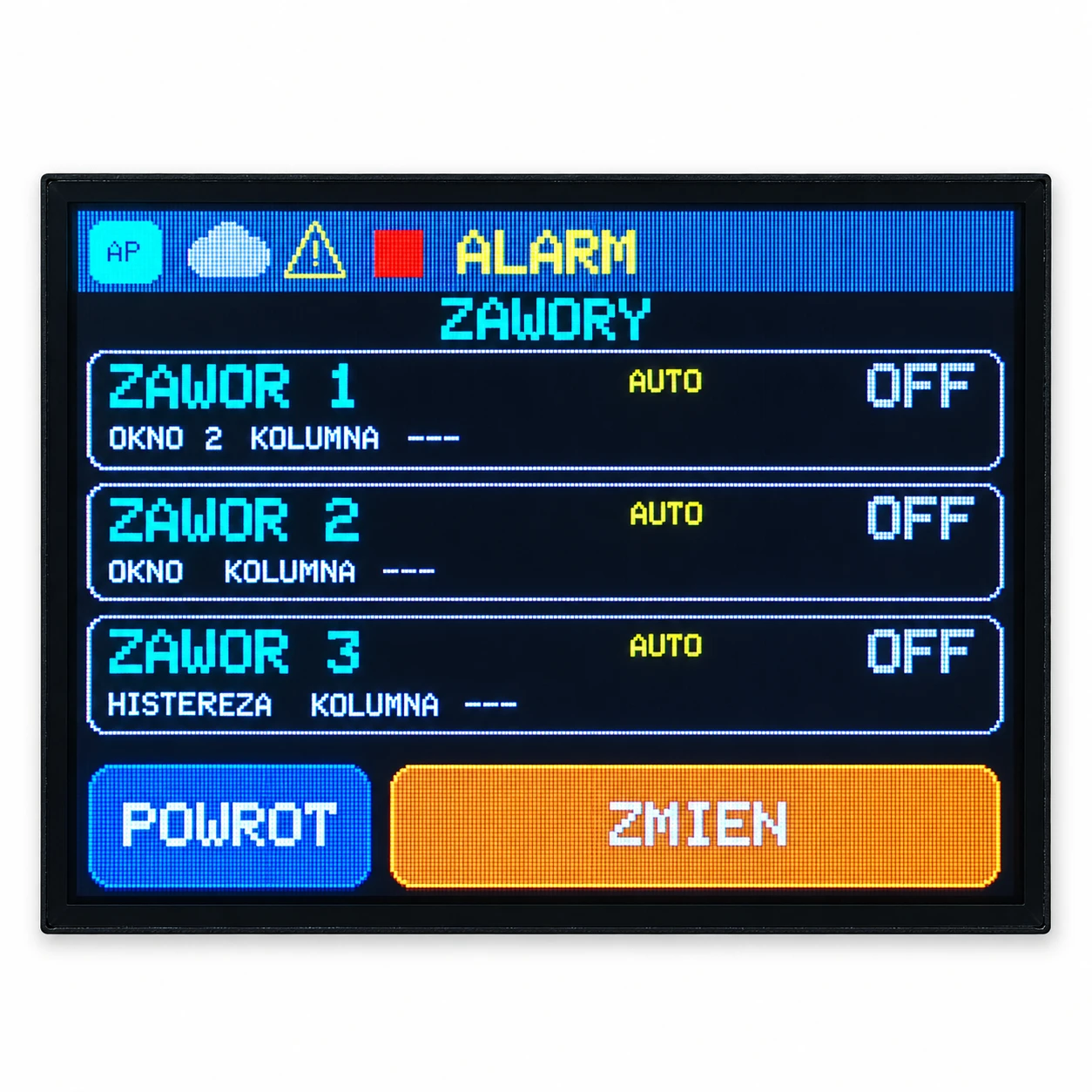
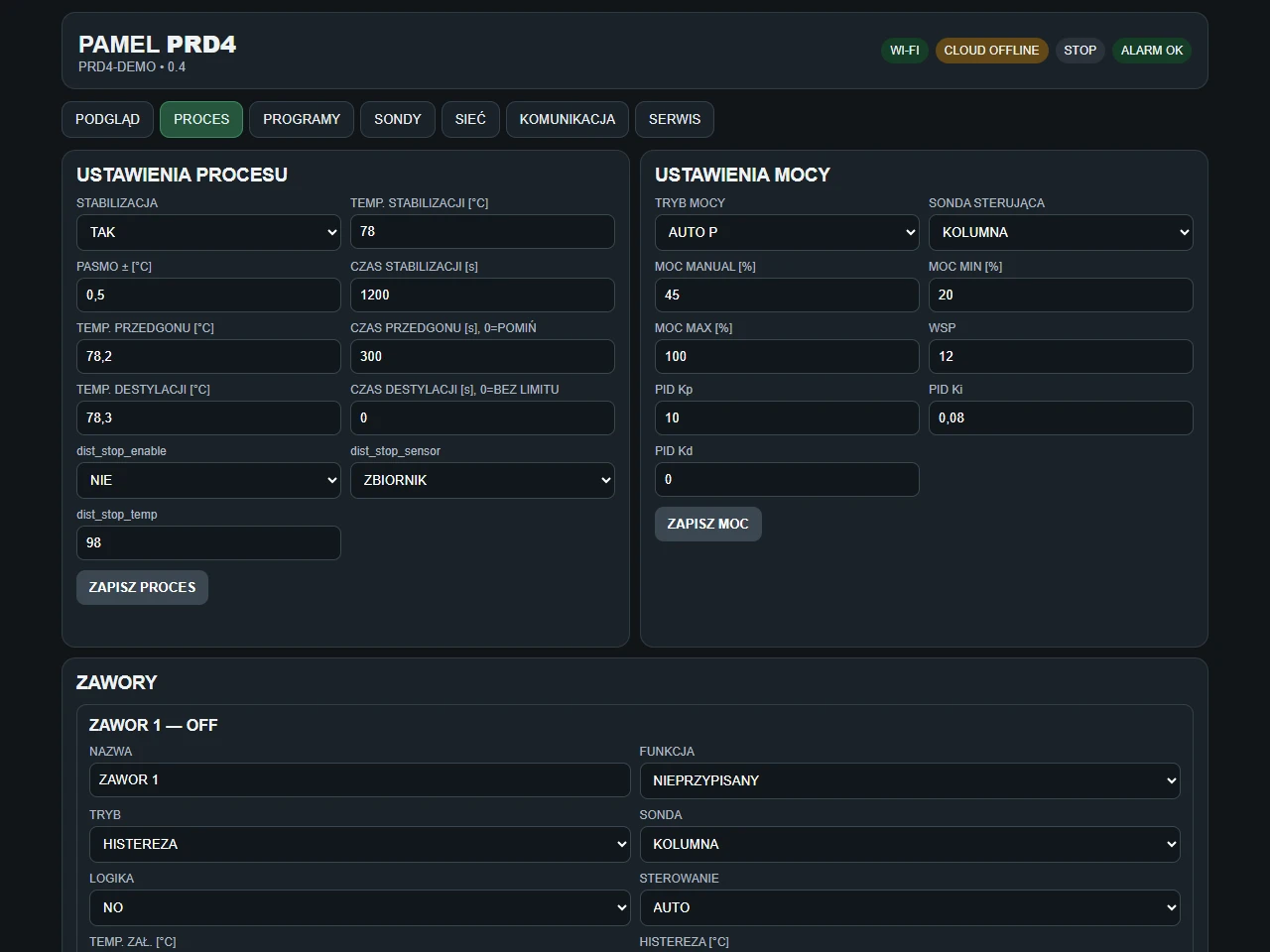
Choose MANUAL, AUTO P or AUTO PID. Each valve has its own control probe, settings and NO/NC logic. Modes include hysteresis, temperature windows, foreshots and tails. Physical valves are sold separately.
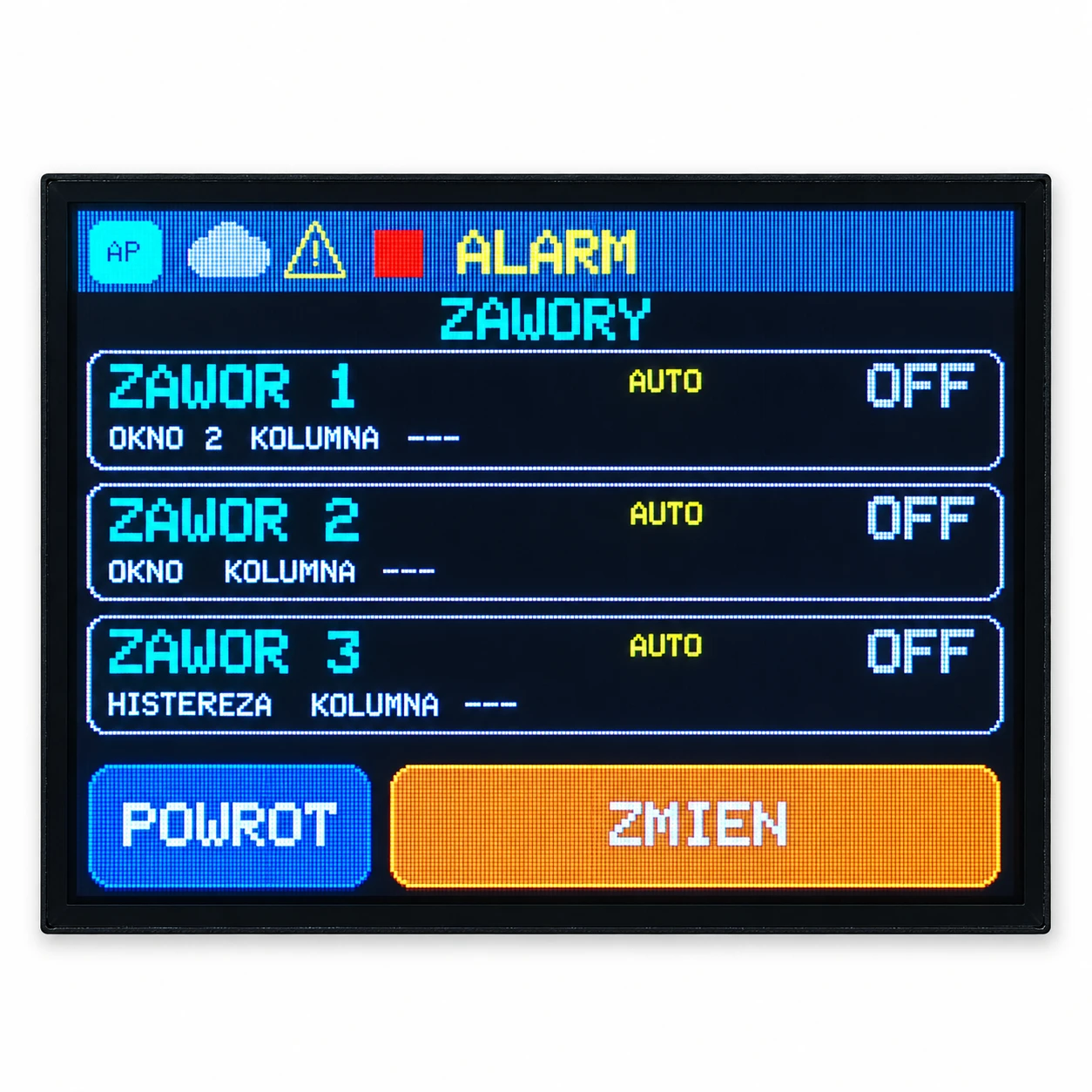
Five programs. Your proven settings.
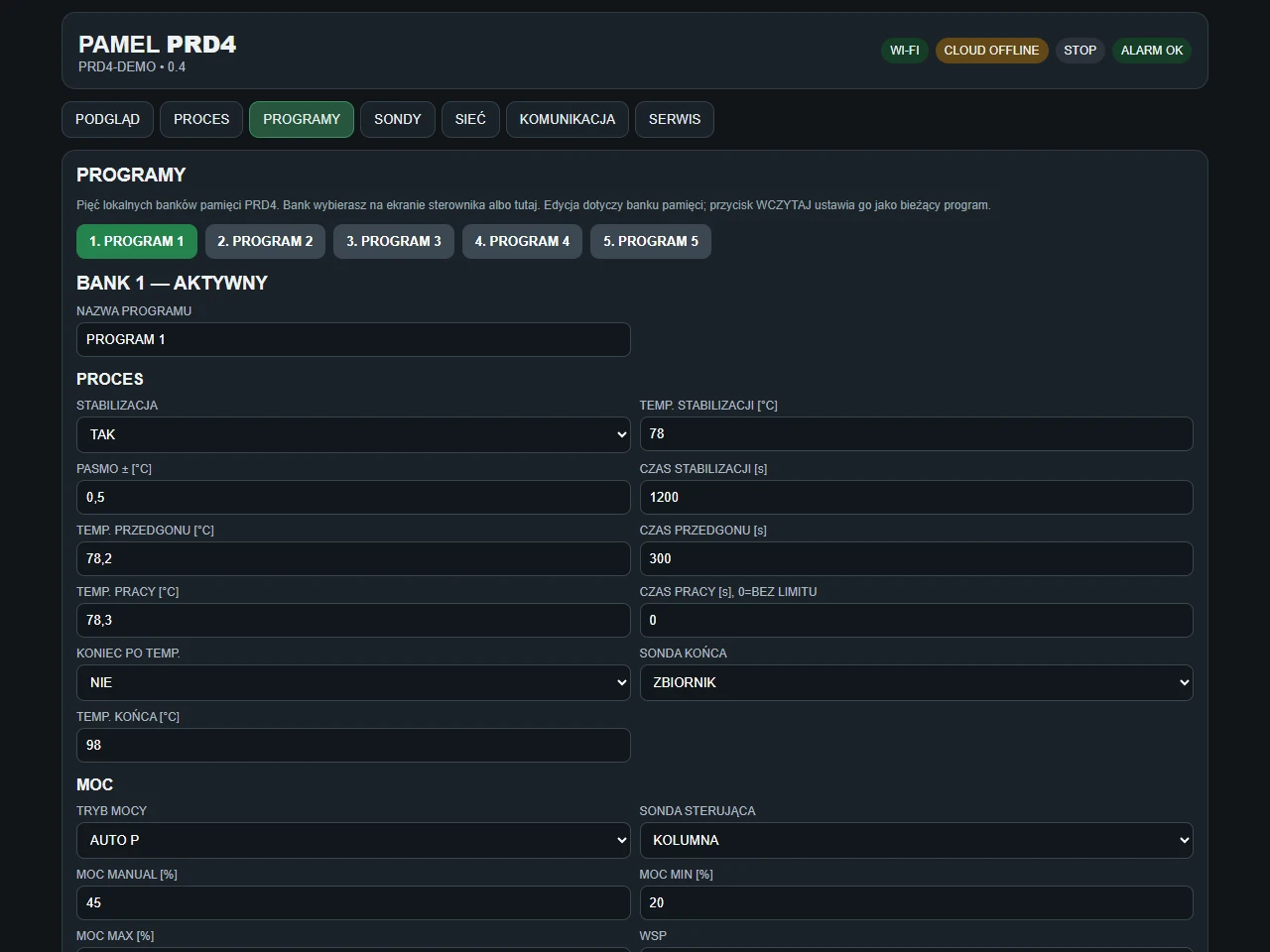
Store process, power and three-valve settings in five local program banks. Select a program on the LCD or local web interface. Stages include stabilisation, foreshots, distillation and completion. Cloud displays the loaded settings; it does not manage the five banks.
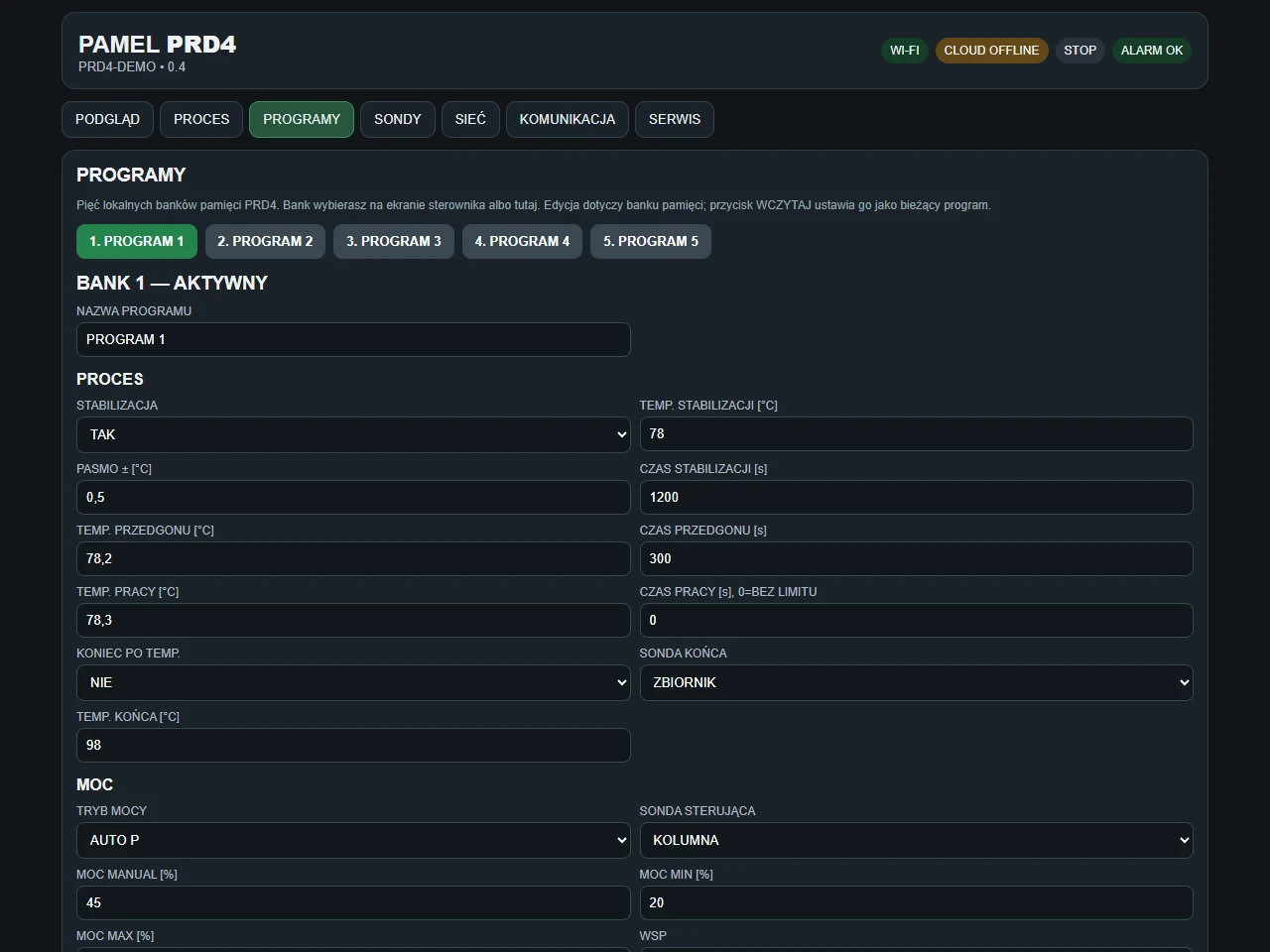
Local Wi‑Fi and app without a subscription
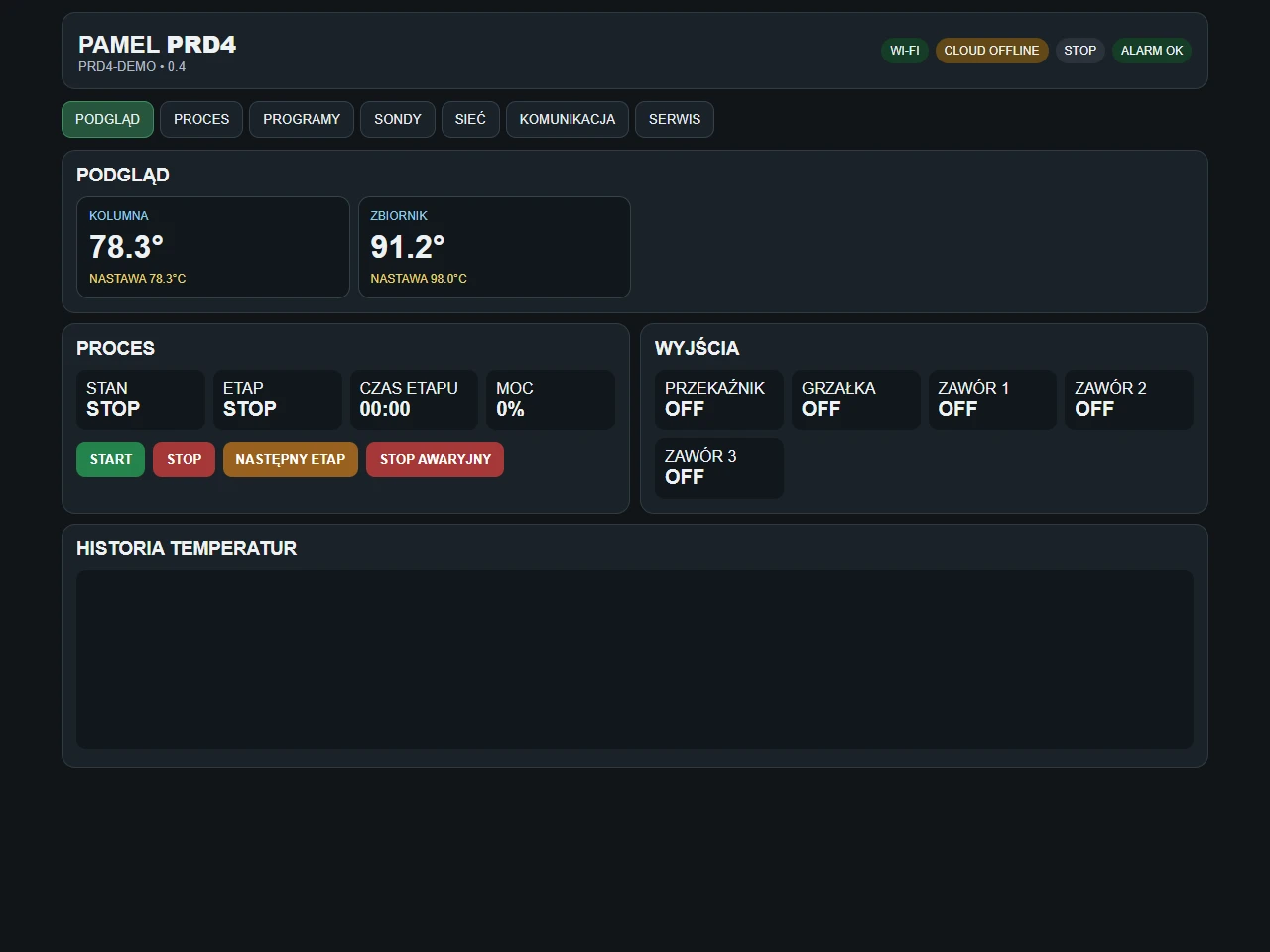
Configure the process, probes and valves in the local web interface. PAMEL Mobile provides convenient access on your local network. Local operation needs neither Internet access nor a paid Cloud plan.
Lifetime Cloud BASIC. PRO to get started.
Get 3 months of Cloud PRO free from the first connection of PRD4 to Cloud. Afterwards, keep free BASIC or optionally renew PRO at the current price. Remote features depend on the plan and PRD4 capabilities; Cloud does not provide remote START.
What is included
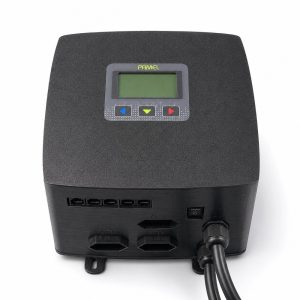
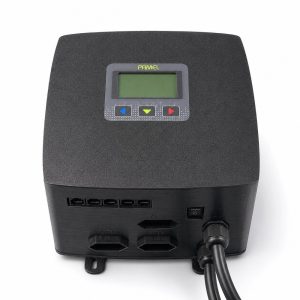
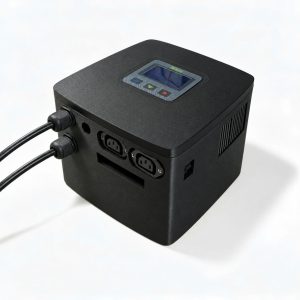
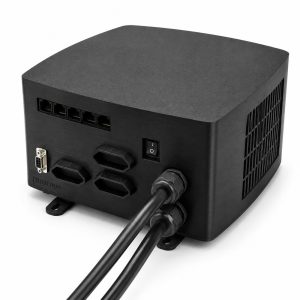
Controller with screen and Wi‑Fi, 180 cm power cable, a sealed 230 V heater socket and three narrow GN11 230 V valve sockets, rated up to 1 A each. Maximum heater power: 5.5 kW.
Probes for your installation
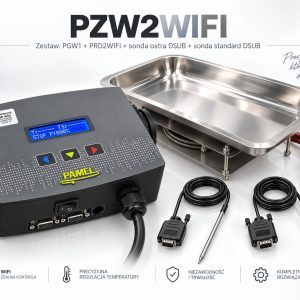
Choose no probes or two STANDARD D‑SUB probes. The two-probe option adds PLN 70 gross. Two D‑SUB connections and one RJ45 connection support up to four DS18B20 probes in total using PAMEL hubs. Hubs are sold separately.
Getting started
Connect probes and assign their roles. Configure the process, power and valves, then save a program. Connect PRD4 to Wi‑Fi for local web and app access. Add the device to your PAMEL account to activate Cloud.